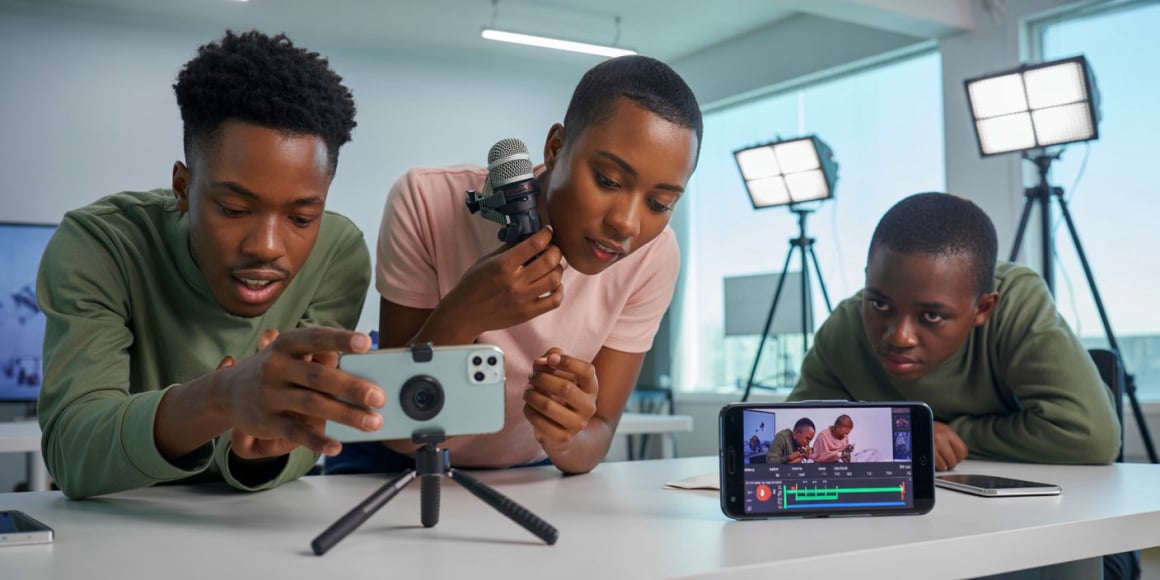
Smartphone Video Production 

Today’s stories are told on screens. This course empowers creatives to turn their smartphones into professional video production tools.

Video Editing

Turn Your Phone Into a Creative Tool

In just 4 days, learners gain hands-on skills to plan, film, edit, and publish high-quality videos using industry-approved techniques.

Designed for people who want to create content for social media, school projects, small businesses, or personal brands, this course builds confidence from the basics while preparing learners for modern digital opportunities.

Plan + Purpose

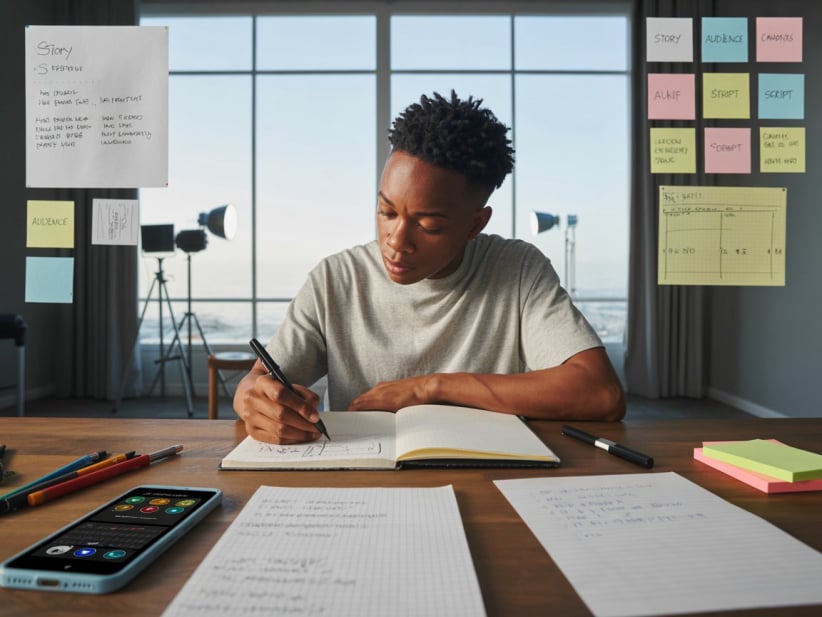
Strong videos start before the camera is switched on. Participants are taught how to think clearly, plan properly, and tell meaningful stories.

This builds the foundation through simple storytelling, scripting, and shot planning so every video has direction and impact.

Create + Confidence

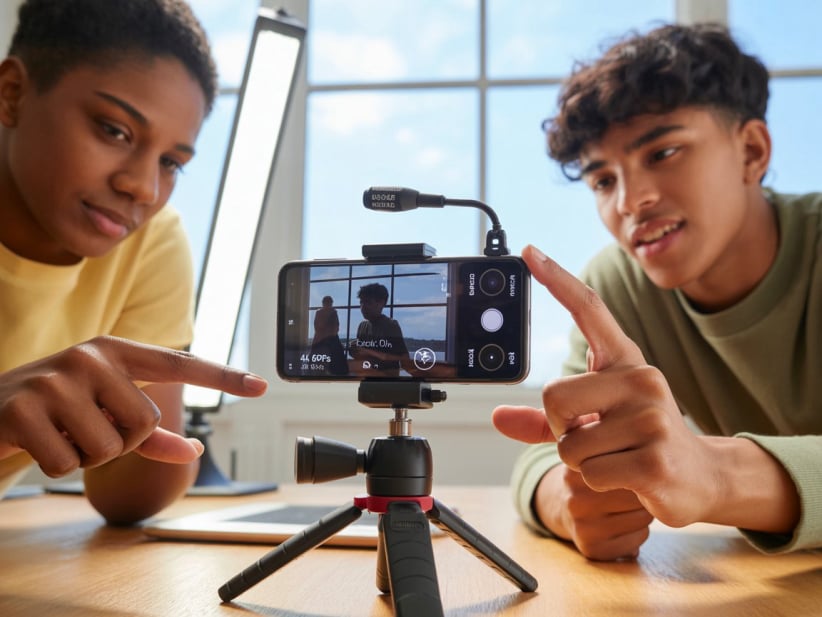
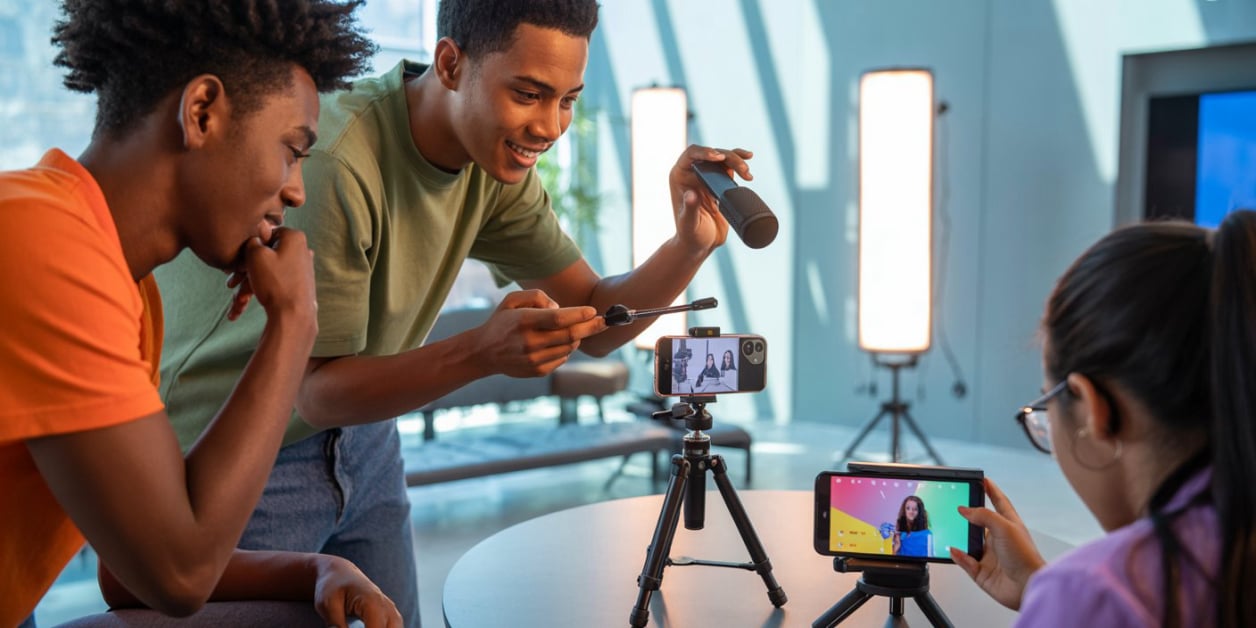
Using proven filming principles, learners master how to record clean, steady, and well-framed video using only a smartphone.

Focus is placed on camera control, sound, lighting, and composition—skills that have always defined good video, now applied to modern mobile devices.

Edit + Share like Pro

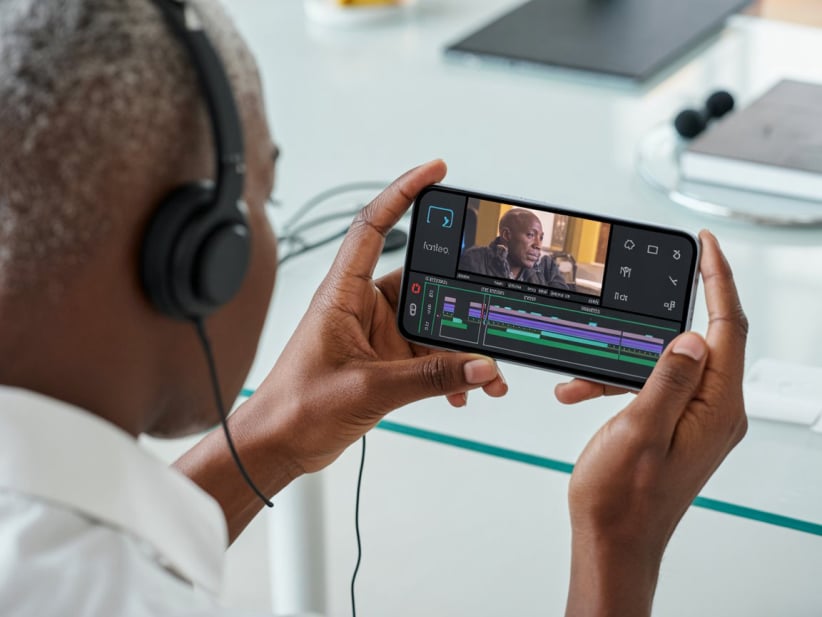
Good footage becomes powerful content through careful editing. Learners develop practical editing skills.

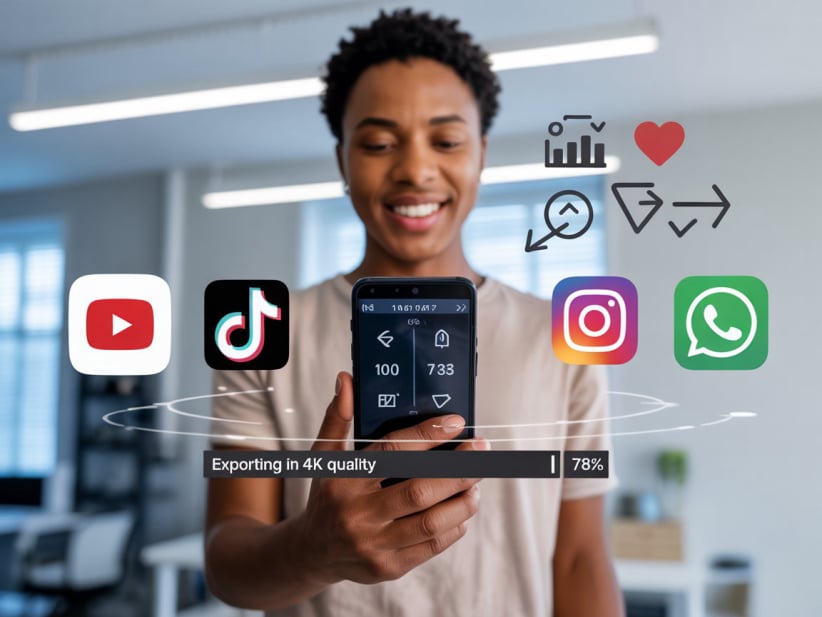
Master, then learn how to export and share videos correctly for social media and online platforms, ensuring their work looks professional wherever it is viewed..

What You Will Learn

By the end of this course, learners will be able to:

  • Plan and structure engaging video stories
  • Record stable, well-framed video using a smartphone
  • Capture clear audio and use light correctly
  • Edit professional videos using free apps.
  • Export and share videos for social media and online platforms
Mobirise Website Builder

Course Structure & Outline

namcloud

Module 1: Pre-Production & Planning

Strong videos start with good planning

  • Understanding storytelling and video purpose
  • Knowing your audience and message
  • Writing simple scripts for video
  • Storyboarding and shot planning
  • Choosing the right location and avoiding common mistakes
namcloud

Module 2: Production & Filming

Turning ideas into real footage

  • Smartphone camera settings explained simply
  • Resolution, frame rates, and focus control
  • Shot types: wide, medium, close-up
  • Video framing and composition basics
  • Recording clear sound using phone microphones
  • Using natural light and basic lighting setups
namcloud

Module 3: Post-Production with Video Editing Apps

Editing like a pro on your phone

  • Importing and organizing video clips
  • Cutting, trimming, and arranging scenes
  • Adding music, sound effects, and voice
  • Color correction and simple cinematic effects
  • Adding titles, text, and transitions
namcloud

Module 4: Exporting & Distribution

Sharing your work with confidence

  • Best export settings for social media
  • File formats and video quality control
  • Publishing videos on YouTube, TikTok, Instagram, and WhatsApp
  • Tips for growing visibility online
Who This Course Is For
No expensive cameras needed. Just a smartphone and creativity.


Just bring your smartphone along!
  1. Youth interested in content creation.
  2. Aspiring YouTubers, TikTok & Instagram creators.
  3. Students needing practical media skills
  4. Beginners with no prior video experience
  5. Entrepreneurs promoting products or services

Venue & Schedule

  • Venue
    NamCloud Training Centre - Windhoek West Puccini Street (Next to Louis Botha Shop).
  • Date
    11 - 13 May 2026 (Monday - Wednesday)
  • Time
    18:00 - 20:00 (After Hours)
  • Requirements
    Read & Write English - Bring your smartphone along!!!
Mobirise

Introduction Special

Join this amazing 3 Days Course at the Introduction price of just

N$600 $1180

Contact Us

Address:

14 Puccini Street, Windhoek West
(Next to Louis Botha Shop - New)

Phone:

+264 81 464 7577

E-mail:

info@namcloud.com

 2026 NamCloud Training Centre - All Rights Reserved